Learning web development can feel confusing when you are just starting. You may find hundreds of tutorials, different programming languages, and advice telling you to learn multiple technologies at once. The result is often the same: you watch many videos but struggle to build a website independently.
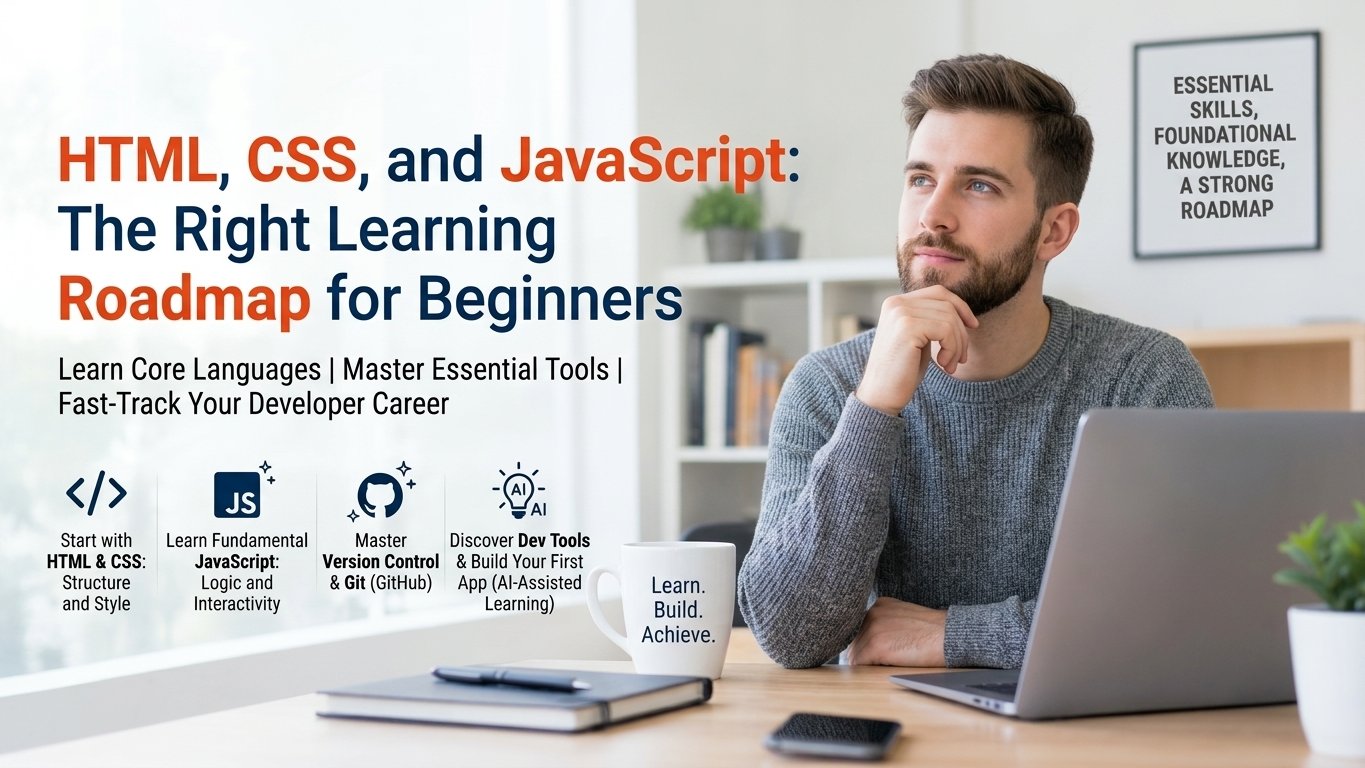
The right learning roadmap for beginners starts with HTML, followed by CSS, and then JavaScript. HTML creates the structure of a webpage, CSS controls its appearance, and JavaScript adds functionality and interactivity. Learning these technologies in the correct order helps you build a strong foundation before moving on to frameworks such as React.
In this guide, you will learn what to study at each stage, how much time to spend practising, which projects to build, and how to prepare for your first frontend development opportunity.
Why Do Beginners Need a Structured Web Development Roadmap?
Web development is accessible to beginners, but learning it effectively requires more than watching tutorials. Each technology builds on the previous one.
For example, you cannot confidently style a webpage without understanding its HTML elements. Similarly, JavaScript becomes easier to understand when you know how HTML elements are structured and how CSS classes control their appearance.
Beginners commonly face these challenges:
- Too many learning resources: Switching between tutorials makes it difficult to follow a consistent path.
- Learning without practising: Watching someone write code does not automatically teach you how to solve problems independently.
- Starting frameworks too early: Learning React before understanding JavaScript can create unnecessary confusion.
- Ignoring responsive design: A website that works only on a desktop is not ready for most real-world situations.
- Building tutorial-dependent projects: Copying code without understanding it makes interviews and independent development more difficult.
A structured roadmap solves these problems by dividing the learning process into manageable stages.
1. Start with HTML: Build the Structure of a Website
HTML stands for HyperText Markup Language. It defines the structure and meaning of content displayed in a web browser.
Think of HTML as the skeleton of a website. It identifies headings, paragraphs, images, navigation links, forms, and other page elements.
HTML topics beginners should learn
Start with the fundamentals before exploring advanced concepts.
- Basic HTML document structure
- Headings, paragraphs, and text formatting
- Links and images
- Ordered and unordered lists
- Tables and their appropriate use
- Forms, labels, inputs, and buttons
- Semantic elements such as header, nav, main, section, article, and footer
- Audio and video elements
- Basic accessibility practices
- HTML attributes and proper nesting
You should also understand why semantic HTML matters. Using a meaningful button element instead of a generic div for an action improves accessibility and provides expected browser behaviour.
Practical HTML project
Create a personal profile webpage containing your introduction, education, skills, hobbies, and contact information.
Focus on organising the content correctly rather than making the page visually impressive.
Practice goal: Build a complete webpage using appropriate HTML elements without copying a finished template.
Suggested duration: 1–2 weeks.
2. Learn CSS: Make Your Website Attractive and Responsive
CSS stands for Cascading Style Sheets. It controls how HTML content looks, including colours, typography, spacing, layouts, and responsiveness.
Once you understand HTML, CSS helps you transform a plain webpage into a professional-looking interface.
CSS topics beginners should learn
Learn these concepts in a practical sequence:
- CSS syntax, selectors, and how styles are applied.
- Colours, backgrounds, borders, and shadows.
- Font families, font sizes, and text styling.
- Margin, padding, width, height, and the box model.
- display, position, and overflow.
- Flexbox for arranging elements in rows and columns.
- CSS Grid for two-dimensional layouts.
- Pseudo-classes such as :hover and :focus.
- Media queries and responsive design.
- CSS transitions and basic animations.
Pay special attention to Flexbox, Grid, and responsive design. These concepts help you create layouts that adapt to different screen sizes.
Understand responsive web design
A responsive website adjusts its layout according to the available screen space.
For example, a three-column card layout on a desktop might become two columns on a tablet and one column on a mobile phone.
Practise using flexible widths, suitable breakpoints, responsive images, and layouts that do not depend on fixed desktop dimensions.
Practical CSS projects
After learning the fundamentals, build:
- A personal portfolio landing page
- A responsive navigation bar
- A product card layout
- A pricing section
- A responsive contact page
Try recreating a simple design you find online using your own HTML and CSS.
Practice goal: Build a responsive, visually consistent webpage that works on mobile and desktop screens.
Suggested duration: 2–3 weeks.
3. Learn JavaScript: Add Functionality to Your Website
JavaScript is a programming language that allows webpages to respond to user actions, process data, update content, and communicate with APIs.
HTML and CSS can create a beautiful interface, but JavaScript makes it interactive.
For example, JavaScript can validate a form, filter products, calculate totals, open a menu, or display information retrieved from a server.
JavaScript topics beginners should learn
Follow this learning order:
JavaScript fundamentals
- Variables: let, const, and var
- Data types and type conversion
- Operators and expressions
- Conditional statements
- Loops
- Functions and parameters
- Arrays and objects
Intermediate JavaScript
- Array methods such as map(), filter(), and find()
- Destructuring and spread syntax
- Scope and hoisting
- Closures and lexical scope
- The this keyword
- Classes and object-oriented programming basics
- Error handling with try...catch
Browser interaction
- DOM selection and manipulation
- Event listeners
- Form handling and validation
- Event bubbling and delegation
- setTimeout() and setInterval()
Asynchronous JavaScript
- Callbacks and Promises
- async and await
- Fetch API
- JSON data
- HTTP request and response basics
- Handling loading states and errors
Do not try to memorise every concept before writing code. Learn a concept, solve a few exercises, and use it in a small project.
Practical JavaScript projects
Start with simple projects and gradually increase their complexity.
- Counter application
- Digital clock
- Calculator
- To-do list
- Form validation
- Quiz application
- Searchable product list
- Weather application using a suitable weather API
For example, a to-do list teaches you how to select HTML elements, listen for button clicks, update the DOM, and manage an array of tasks.
Practice goal: Build interactive applications and explain how your code works without relying entirely on a tutorial.
Suggested duration: 3–5 weeks for the fundamentals, followed by ongoing practice.
4. Learn Git and GitHub Alongside Your Projects
Git is a version control system that tracks changes in your code. GitHub is an online platform where you can host repositories and collaborate with other developers.
These tools are useful even when you are learning independently.
Topics to practise
- Installing Git
- Creating a repository
- git init
- git add
- git commit
- git status
- git push and git pull
- Creating a GitHub repository
- Writing a useful README file
- Publishing a simple website
You do not need to master advanced Git workflows immediately. Begin by saving your projects regularly and uploading them to GitHub.
Practice goal: Maintain a repository for each major project and document how to run it.
Suggested duration: Learn the basics over 2–3 days while building your projects.
5. Understand Responsive Design, Accessibility, and Browser Tools
Writing code is only one part of frontend development. You must also check whether your website works well for different users and devices.
Responsive design
Test your website at different viewport sizes. Check navigation, card layouts, forms, text wrapping, and images.
Accessibility
Learn to use meaningful HTML elements, descriptive labels, keyboard navigation, visible focus states, and suitable alternative text for informative images.
Browser developer tools
Use Chrome DevTools to inspect HTML, experiment with CSS, view console errors, debug JavaScript, and monitor network requests.
These skills help you identify problems instead of randomly changing code until something works.
Practice goal: Test your projects, identify at least three issues, and fix them independently.
6. Build Projects That Demonstrate Your Skills
Projects help you apply concepts in realistic situations. They also give you something concrete to discuss during interviews.
Rather than building ten nearly identical pages, create three or four projects that demonstrate different skills.
Beginner project ideas
Project 1: Personal portfolio
Include an introduction, skills, project descriptions, and contact information. Make the layout responsive.
Skills demonstrated: HTML, CSS, semantic structure, and responsive design.
Project 2: To-do list
Allow users to add, complete, and delete tasks. Add local storage so tasks can remain available after refreshing the page.
Skills demonstrated: JavaScript, DOM manipulation, events, arrays, and browser storage.
Project 3: Product listing page
Display products with prices, categories, and search or filter functionality.
Skills demonstrated: arrays, objects, rendering lists, event handling, and responsive layouts.
Project 4: API-based application
Fetch data from a public API and display it with loading indicators and error messages.
Skills demonstrated: Fetch API, Promises, asynchronous JavaScript, JSON, and error handling.
How to make your projects stronger
- Write the code yourself before consulting a solution.
- Use meaningful variable and function names.
- Test empty inputs and unexpected conditions.
- Make the interface responsive.
- Upload the source code to GitHub.
- Write a README explaining the features and setup.
- Deploy projects so others can try them.
A few complete, well-explained projects are more useful than a large collection of unfinished tutorial exercises.
7. Follow an 8–12 Week Learning Plan
The following schedule is a practical starting point for someone studying approximately 1–2 hours per day. Your progress will depend on your existing knowledge, consistency, and the time you spend practising.
| Week | Main focus | Practical outcome |
|---|---|---|
| 1 | HTML fundamentals | Profile webpage |
| 2 | Semantic HTML and forms | Registration form |
| 3 | CSS basics and box model | Styled webpage |
| 4 | Flexbox and Grid | Responsive landing page |
| 5 | Media queries and design polish | Mobile-friendly portfolio |
| 6 | JavaScript fundamentals | Calculator or counter |
| 7 | Arrays, objects, and functions | Interactive quiz |
| 8 | DOM and events | To-do list |
| 9 | Form validation and browser storage | Persistent task manager |
| 10 | Promises, async/await, and Fetch | API-based application |
| 11 | Git, GitHub, testing, and debugging | Project repositories |
| 12 | Portfolio improvements and interview practice | Three polished projects |
This is a flexible roadmap, not a deadline. If JavaScript takes longer, extend the schedule rather than rushing into a framework without understanding the basics.
8. Know When to Start Learning React
React is a JavaScript library for building user interfaces. It is a useful next step for developers who want to create modern, component-based web applications.
However, starting React too early can make fundamental programming concepts harder to understand.
Before learning React, aim to:
- Write functions and use arrays and objects comfortably.
- Understand map(), filter(), and find().
- Handle browser events and forms.
- Understand modules and basic JavaScript scope.
- Work with Promises, async/await, and API requests.
- Build a small application without following a step-by-step tutorial.
Once you reach this stage, learn React components, props, state, event handling, hooks, and routing. Later, explore TypeScript, testing, and more advanced frontend development practices as your goals require.
For additional learning guidance, explore ExcelPTP's professional training programs and IT career blog.
9. Prepare for Your First Frontend Developer Opportunity
Learning HTML, CSS, and JavaScript is the beginning of your career preparation, not a guarantee of employment. You must demonstrate that you can use these technologies to solve practical problems.
Create a professional portfolio
Include your best projects, GitHub links, live demos, and a short description of the problems each project solves.
Practise technical interview questions
Be ready to explain topics such as:
- The difference between HTML, CSS, and JavaScript
- Semantic HTML and accessibility
- Flexbox versus CSS Grid
- let, const, and var
- Scope, hoisting, and closures
- Array methods and object manipulation
- DOM events and event delegation
- Promises and async/await
- Fetch API and error handling
- Responsive design and debugging
Do not only memorise definitions. Practise writing small examples and explaining your reasoning.
Learn to solve problems independently
If your code fails, read the error message, inspect the relevant values, use breakpoints, and isolate the problem. Employers value developers who can investigate issues systematically.
Get feedback
Ask experienced developers or mentors to review your code and suggest improvements. If you need structured guidance, you can explore ExcelPTP's training and placement information and student testimonials to learn more about its offerings and learner experiences.
10. Common Mistakes to Avoid While Learning Web Development
Learning everything at once: Focus on one core technology at a time. Add related tools when you have a clear reason to use them.
Copying code without understanding it: Rebuild the same feature from memory and explain each important step.
Ignoring JavaScript fundamentals: A framework cannot replace an understanding of variables, functions, objects, events, and asynchronous programming.
Practising only on desktop: Check layouts on smaller screens and test interactive elements using a keyboard.
Avoiding errors: Debugging is part of development. Learn to read console messages and investigate the cause of a problem.
Waiting until you feel completely ready: Build and publish small projects throughout your learning journey. Improvement comes from feedback and iteration.
Chasing certificates instead of skills: Courses can provide structure, but practical ability, communication, and demonstrable projects are essential parts of career preparation.
Conclusion
The right learning roadmap for beginners is simple: learn HTML for structure, CSS for presentation, and JavaScript for functionality. Practise each technology through small projects, learn Git and GitHub, test your work on different devices, and gradually build applications that solve real problems.
You do not need to learn every technology at once. Consistent practice, independent problem-solving, and a portfolio of complete projects will give you a stronger foundation for learning React and preparing for frontend development opportunities.
Start with one webpage today, improve it step by step, and keep building.