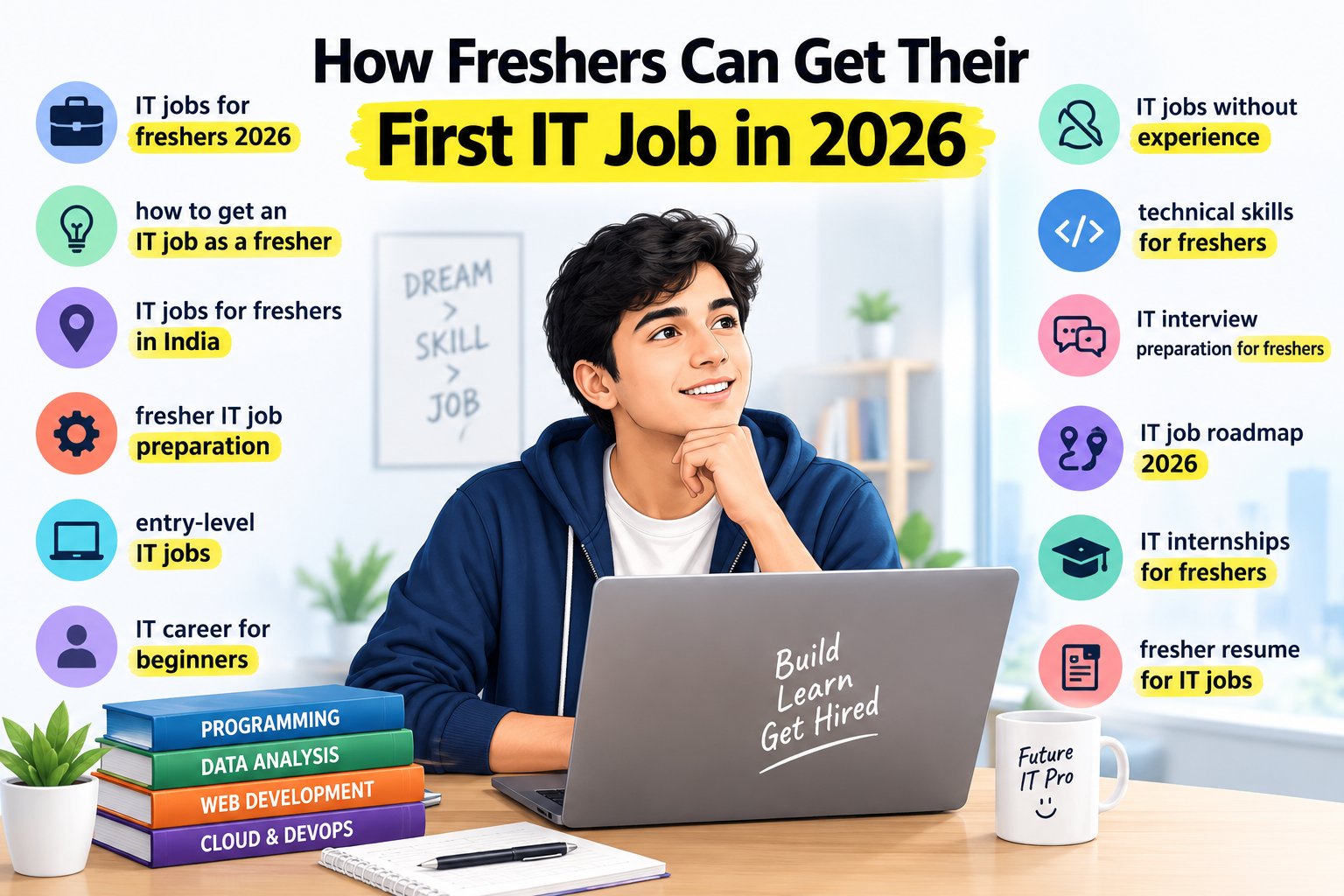
Getting your first IT job in 2026 can feel challenging, especially if you are a fresher with no professional experience, limited practical skills, or a degree outside computer science. You may know programming basics but still wonder how to find vacancies, build a strong resume, and prepare for interviews.
The good news is that getting your first IT job as a fresher does not require you to master every technology. You need to choose a suitable role, develop relevant technical skills, build practical projects, and demonstrate that you can learn and solve problems.
This guide explains how freshers in India can prepare for entry-level IT jobs, where to find opportunities, which skills to prioritize, and how to improve their chances of getting shortlisted.
Quick Answer: How Can Freshers Get Their First IT Job in 2026?
To get your first IT job as a fresher, choose a target role such as software developer, data analyst, QA tester, or IT support associate. Learn the required technical skills, build two or three relevant projects, create an ATS-friendly resume, and apply consistently through company career pages and job portals. Prepare for technical interviews, improve communication, and consider internships or trainee positions to gain practical experience.
Why Getting a First IT Job Can Be Challenging in 2026
The IT job market in 2026 continues to change as companies adopt artificial intelligence, cloud platforms, automation, cybersecurity practices, and data-driven systems. Employers may expect freshers to demonstrate practical knowledge rather than relying only on degrees or course certificates.
According to TeamLease EdTech's Career Outlook Report for July–December 2026, 76% of surveyed employers in IT intended to hire freshers, down from 81% in the first half of the year. This indicates that opportunities remain, but hiring conditions can vary by industry and role.
The same hiring environment makes it important to develop demonstrable skills, practical experience, and interview readiness instead of depending on a qualification alone.
Freshers commonly face these challenges:
- Limited practical experience: They understand concepts but have few projects to demonstrate their abilities.
- Unfocused learning: They study several programming languages and frameworks without becoming comfortable with any one skill set.
- Weak resumes: Their resumes list technologies without explaining how they have used them.
- Interview anxiety: They struggle to explain projects, solve basic coding problems, or answer questions clearly.
- Unstructured job searching: They apply randomly instead of targeting relevant entry-level IT vacancies.
- Unrealistic expectations: They focus only on a few large companies or highly paid roles and overlook other ways to begin an IT career.
The solution is to follow a structured IT job preparation plan.
1. Choose the Right IT Career Path
The first step is to decide which type of IT job you want. Your choice should depend on your interests, existing knowledge, learning time, and the skills requested in real job descriptions.
Trying to prepare for software development, data science, cybersecurity, cloud engineering, and web design simultaneously can make your preparation unnecessarily difficult.
Popular IT Job Roles for Freshers in 2026
Software Developer
Software developers build applications, websites, APIs, and other software systems.
Skills to consider learning:
- Python, Java, or JavaScript.
- Programming fundamentals and problem-solving.
- Data structures and algorithms appropriate to the target role.
- SQL and database fundamentals.
- Git and GitHub.
- Basic API development and testing.
Web Developer
Web developers create and maintain websites and web applications.
Skills to consider learning:
- HTML, CSS, and JavaScript.
- Responsive web design.
- React or another relevant framework.
- Basic backend development and APIs.
- Databases and Git.
Data Analyst
Data analysts organize data, prepare reports, identify trends, and help businesses make decisions.
Skills to consider learning:
- Excel.
- SQL.
- Python and Pandas.
- Power BI or Tableau.
- Basic statistics and data visualization.
- Business communication and analytical thinking.
QA Tester or Software Testing Trainee
QA professionals test software to identify defects and verify that applications behave as expected.
Skills to consider learning:
- Manual testing fundamentals.
- Test cases and bug reporting.
- Software development life cycle (SDLC).
- Basic SQL.
- API testing.
- Automation testing tools when required by the target vacancy.
IT Support or Technical Support Associate
IT support professionals help users resolve hardware, software, network, and access-related problems.
Skills to consider learning:
- Computer and operating system fundamentals.
- Networking basics.
- Troubleshooting techniques.
- Windows or Linux fundamentals.
- Ticketing systems and customer communication.
AI/ML or Data Science Trainee
These roles involve data preparation, model development, experimentation, or AI application development. They can require stronger foundations in programming, mathematics, statistics, and data handling than some other entry-level positions.
Skills to consider learning:
- Python.
- SQL and data handling.
- Statistics and machine learning fundamentals.
- Model evaluation.
- AI application development and responsible use of AI tools.
Choose one primary role and one closely related backup role. Review current vacancies to check which skills employers actually request before committing to a learning plan for IT jobs for freshers in India.
2. Learn the Technical Skills Required for Your Target Role
After choosing a career path, create a focused technical skills roadmap. The goal is not to collect as many certificates as possible. It is to become capable of completing practical tasks associated with your target job.
Follow a Skill-Building Roadmap
For a software development role, your roadmap might include:
- Learn one programming language properly.
- Practise variables, conditions, loops, functions, and object-oriented programming where relevant.
- Understand data structures, basic algorithms, and debugging.
- Learn SQL and database fundamentals.
- Build an application using a relevant framework.
- Use Git and GitHub to manage and present your work.
- Learn basic testing and deployment.
For a data analyst role, your roadmap might include:
- Learn Excel formulas, sorting, filtering, and PivotTables.
- Practise SQL queries, joins, grouping, and subqueries.
- Use Python and Pandas for data cleaning and analysis.
- Learn data visualization with Power BI or Tableau.
- Study basic statistics and business metrics.
- Build an end-to-end analytics project and explain its findings.
For web development, focus on HTML, CSS, JavaScript, responsive design, a relevant frontend framework, APIs, and database basics.
Practise Instead of Only Watching Tutorials
Watching videos can help you understand concepts, but you also need to write code, troubleshoot errors, and complete tasks independently.
For each topic, try to:
- Recreate a small example without copying every line.
- Change the example to solve a different problem.
- Explain how the code works.
- Debug at least one error.
- Save useful projects and notes in an organized repository.
You can explore ExcelPTP's professional training programs to review IT learning options relevant to your chosen direction.
3. Build Practical Projects to Demonstrate Your Skills
Projects help employers understand what you can do, especially when you do not have professional IT experience.
A project does not need to be complicated. It should demonstrate relevant skills, solve a clear problem, and be something you can explain during an interview. Practical projects are particularly valuable for IT freshers without experience.
Project Ideas for IT Freshers
For software developers:
- Student management system.
- Task management application.
- Employee record management system.
- REST API with database integration.
For web developers:
- Responsive business website.
- Personal portfolio website.
- Product listing and search application.
- Appointment booking interface.
For data analysts:
- Sales performance dashboard.
- Customer purchasing analysis.
- Student performance report.
- Inventory and stock analysis.
For QA testers:
- Test cases for a login and registration system.
- Bug reports for a sample website.
- API testing collection with documented test results.
- Test plan for an e-commerce checkout process.
For AI/ML learners:
- Customer churn prediction.
- Spam message classification.
- Sales forecasting using a suitable dataset.
- An AI-powered FAQ application with appropriate safeguards and evaluation.
How to Present a Project Professionally
For every project, explain:
- Problem: What were you trying to solve?
- Technologies: Which languages, frameworks, databases, or tools did you use?
- Contribution: Which parts did you implement yourself?
- Testing: How did you check that the application or analysis worked?
- Outcome: What functionality or useful result did you deliver?
For example, instead of writing “Created a Python project,” write:
“Developed a student management application using Python, Flask, and MySQL to create, retrieve, update, and delete student records. Tested database operations and validated form inputs.”
Only include tasks you actually completed. If you used a tutorial or AI assistant, understand the code and be prepared to explain what you changed and why.
4. Create a Strong IT Resume for Freshers
Your IT fresher resume should help recruiters quickly understand your qualifications, relevant skills, and practical work.
A fresher does not need to invent professional experience. Instead, the resume should make genuine evidence of learning and ability easy to find.
What to Include in Your Resume
A practical resume for IT jobs generally includes:
- Contact information: Name, professional email address, phone number, and relevant professional links.
- Career summary: Two or three lines about your target role and relevant strengths.
- Technical skills: Technologies relevant to the job.
- Projects: Two or three well-explained projects, where available.
- Internships or practical training: Relevant responsibilities and work completed.
- Education: Degree, institution, and graduation year.
- Certifications: Relevant credentials you have earned.
Tailor Your Resume to Each Job
Read the job description and identify its important technical requirements. If the vacancy asks for Python, SQL, REST APIs, and Git, emphasize those skills when you genuinely possess them.
Use standard headings, readable formatting, consistent dates, and working links. Follow the employer's requested document format to maintain an ATS-friendly resume.
Avoid listing technologies you cannot explain. Do not add false experience, invented achievements, or unsupported project results.
For more guidance, read ExcelPTP's IT career blog for relevant career preparation topics.
5. Create a Professional GitHub and LinkedIn Profile
A resume gives recruiters a summary of your abilities. Your online profiles can provide additional evidence and strengthen your IT job application.
GitHub for Technical Projects
For software development, AI/ML, data engineering, and related roles, GitHub can help you showcase your code.
Make sure your important repositories include:
- A clear project name and description.
- A README explaining the purpose and technologies.
- Setup or installation instructions.
- Screenshots or sample outputs where useful.
- A description of your own contribution.
Never publish passwords, API keys, private data, or other sensitive information in a public repository.
LinkedIn for Job Opportunities
Complete your LinkedIn profile with a professional headline, relevant skills, education, projects, and accurate experience details.
Connect with recruiters, developers, alumni, trainers, and professionals in your target field. Follow companies that recruit for the type of role you want.
Avoid sending generic messages to everyone. A short, respectful message that identifies your target role and relevant skills is more useful than an unsolicited request for a job.
6. Search for IT Jobs Through the Right Channels
A common mistake is relying on a single job portal or waiting for college placement drives. A more effective approach is to use several legitimate channels to find IT jobs for freshers in 2026.
Where Freshers Can Find IT Jobs
Company career pages: Check the official careers websites of IT services companies, product companies, startups, and businesses with internal technology teams.
Job portals: Search established platforms such as LinkedIn Jobs, Naukri, Indeed, and other reputable job boards available in India.
College placement cells: Attend placement activities, employer sessions, and campus recruitment drives when available.
Internship platforms: Look for internships that provide relevant work, mentorship, and clearly stated responsibilities.
Professional networking: Ask alumni, mentors, former classmates, and professional contacts about suitable vacancies and referrals.
Local IT companies: Explore small and medium-sized software companies and technology service providers, including businesses in Ahmedabad and other Indian technology hubs.
Use Specific Search Terms
Try searches such as:
- “Software Developer Fresher”
- “Junior Python Developer”
- “Graduate Engineer Trainee IT”
- “Frontend Developer Trainee”
- “Data Analyst Fresher”
- “QA Tester Trainee”
- “Technical Support Associate”
- “Junior AI/ML Engineer”
- “IT Internship for Freshers”
Read each vacancy carefully. Some roles marked “entry-level” still require prior experience or specific qualifications.
Maintain an Application Tracker
Record the company, job title, application date, required skills, application status, and follow-up date.
This helps you avoid duplicate applications and identify which types of vacancies are generating responses.
Never pay an employer or recruiter a fee simply to secure a job offer. Verify suspicious messages, recruiter identities, and company details through official channels.
7. Apply for Internships and Trainee Positions
If you are struggling to secure a full-time IT job, an IT internship for freshers or trainee role can be a useful stepping stone.
These opportunities can help you gain practical experience, learn workplace processes, work with a team, and develop examples for future interviews.
How to Evaluate an Internship
Before accepting an opportunity, check:
- Whether the work relates to your target career.
- Whether responsibilities and expectations are clearly explained.
- Whether you will receive appropriate guidance or mentorship.
- Whether the terms, duration, and compensation are stated honestly.
- Whether you will have opportunities to complete meaningful tasks.
Ask about the possibility of full-time employment when appropriate, but do not assume that an internship guarantees a permanent offer.
If you have completed projects or practical training, present that work clearly while continuing to apply for entry-level IT jobs.
8. Prepare for Technical Interviews
Getting shortlisted is only one part of the job search. You also need to explain your knowledge and solve relevant problems during interviews. Effective IT interview preparation for freshers should focus on the requirements of your chosen role.
Revise Your Technical Fundamentals
The exact interview topics depend on the role, but common areas include:
- Programming fundamentals and problem-solving.
- Object-oriented programming where relevant.
- SQL queries and database concepts.
- Data structures and algorithms for developer roles.
- HTML, CSS, JavaScript, and APIs for web development.
- Data cleaning, visualization, and basic statistics for analytics roles.
- Testing concepts and bug reporting for QA roles.
- Operating systems and networking basics for IT support roles.
Study the requirements of the specific job rather than trying to memorize every possible interview question.
Prepare to Explain Your Projects
Interviewers may ask:
- Why did you choose this project?
- What problem does it solve?
- Why did you use these technologies?
- What was the most difficult issue you faced?
- How did you test your work?
- What would you improve next?
- Which parts did you implement independently?
Practise answering in your own words. If you cannot explain a feature or a line of code, review it until you understand it.
Practise HR and Communication Questions
Prepare concise answers to questions such as:
- Tell me about yourself.
- Why do you want to work in IT?
- Why are you interested in this role?
- What are your strengths and areas for improvement?
- Describe a challenge you solved.
- Why should we consider you for this position?
You do not need perfect English to begin an IT career. However, clear explanations, active listening, and professional communication can help you work with teammates and interviewers.
9. Use AI Tools to Support Your Job Preparation
AI tools can help freshers practise more efficiently when they are used as learning assistants rather than substitutes for understanding. Developing AI skills for IT jobs can be useful when those skills relate to your target role.
You can use AI tools to:
- Generate practice questions for your chosen role.
- Explain programming concepts at your current level.
- Review code and suggest possible debugging steps.
- Practise mock technical and HR interviews.
- Identify relevant skills in a job description.
- Improve resume wording without inventing experience.
- Brainstorm project ideas and test cases.
However, verify technical answers and test generated code. AI tools can produce incorrect explanations, insecure code, or fabricated information.
Do not submit AI-generated project work as your own without understanding it. Follow employer rules about AI use during assessments and interviews. Your goal is to improve your skills, not merely to produce answers quickly.
10. Follow a Practical 90-Day IT Job Preparation Plan
A structured 90-day IT job preparation plan helps you turn learning into visible progress. The schedule below is an example; adjust it to your existing knowledge and available time.
Days 1–30: Build Your Foundation
- Choose one primary IT role.
- Review at least 10 relevant job descriptions.
- Identify the common technical requirements.
- Learn or revise the essential concepts.
- Practise small coding, testing, or data tasks.
- Begin preparing your resume and professional profiles.
Goal: Develop a focused learning roadmap and a foundation in the skills required for your target role.
Days 31–60: Build and Present Projects
- Complete one or two relevant projects.
- Test your work and fix common errors.
- Publish suitable work to GitHub or a portfolio.
- Write clear project descriptions.
- Update your resume with accurate skills and project details.
- Start applying for suitable internships and entry-level vacancies.
Goal: Build practical evidence that you can demonstrate to an employer.
Days 61–90: Apply and Prepare for Interviews
- Apply consistently to relevant vacancies.
- Practise technical questions several times each week.
- Conduct mock interviews.
- Improve your project explanations.
- Review feedback from applications and interviews.
- Strengthen weak areas identified during preparation.
Goal: Build a repeatable job-search routine and improve your interview readiness.
Remember that 90 days is a preparation framework, not a promise that you will receive a job offer within that period. Progress depends on your starting skills, target role, available opportunities, and application quality.
11. Avoid Common Mistakes That Delay Your First IT Job
Learning too many technologies at once: Build depth in the skills required for one target role before expanding into unrelated areas.
Relying only on certificates: Certifications can support your profile, but practical work and the ability to explain what you learned are important too.
Applying without checking requirements: Prioritize jobs where your current skills and qualifications reasonably match the vacancy.
Ignoring communication skills: Practise explaining your projects, asking questions, and discussing technical decisions.
Copying projects without understanding them: Build or modify projects yourself and be ready to explain the implementation.
Waiting until you feel completely ready: Start applying when you can demonstrate the core requirements of suitable junior roles. Continue learning as you apply.
Ignoring internships and smaller companies: A relevant first opportunity can provide useful experience, even if it is not your ideal long-term role.
Falling for job scams: Verify the company and vacancy. Be cautious of guaranteed job offers in exchange for money.
Conclusion
Getting your first IT job in 2026 is easier to approach when you replace scattered learning with a clear plan. Choose a suitable role, learn its essential technical skills, build practical projects, create a strong resume, and prepare to explain your work confidently.
Freshers should explore multiple routes into IT, including entry-level IT jobs, internships, trainee positions, campus placements, and opportunities at smaller technology companies. Keep track of applications, learn from interview feedback, and continue improving your technical and communication skills.
You do not need to know every technology before applying. You need to demonstrate the right fundamentals, a willingness to learn, and credible evidence of what you can do.
If you want structured support with practical IT learning and career preparation, explore ExcelPTP's professional training programs or review its placement support information. Choose a path that aligns with your career goal and gives you opportunities to practise, build projects, and prepare for interviews.