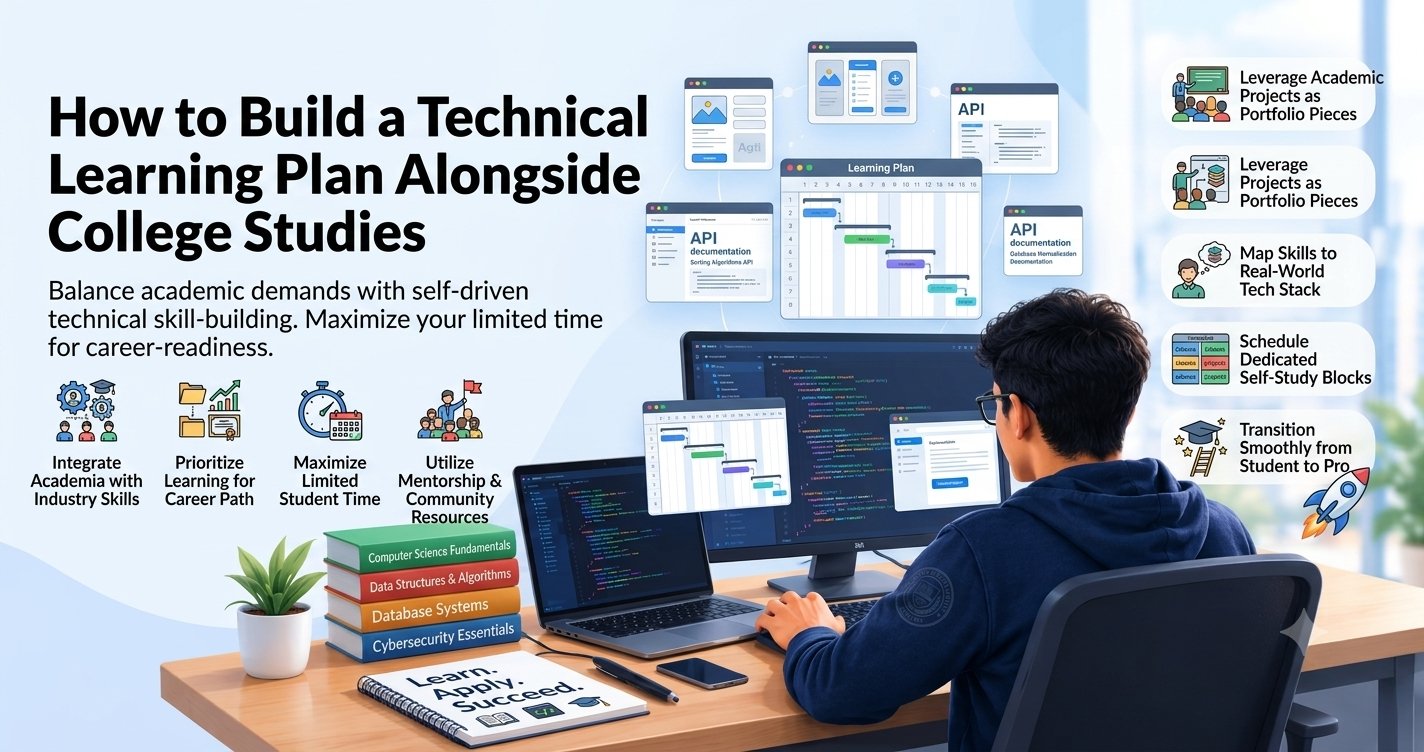
College students often want to learn technical skills, build projects, and prepare for IT jobs while managing lectures, assignments, exams, and personal responsibilities. Without a clear plan, it is easy to start several courses, lose consistency, and struggle to finish what you started.
The best way to build a technical learning plan alongside college studies is to choose one career goal, follow a structured learning roadmap, and dedicate a realistic amount of time to hands-on practice each week. You do not need to study for hours every day to make progress. Consistency, focused practice, and regular project work matter more than an overloaded schedule.
In this guide, you will learn how to choose the right technical skills, create a weekly study timetable, balance learning with academic responsibilities, build projects, and prepare for IT career opportunities without neglecting college.
Why Do College Students Need a Technical Learning Plan?
College provides academic knowledge, but many IT roles also require practical skills, familiarity with development tools, and the ability to solve real-world problems.
Students who want to enter the technology industry may need to learn programming, work on projects, prepare for interviews, and explore career options while completing their degree.
Trying to do everything at once can lead to several challenges:
- Limited time: Lectures, assignments, examinations, and personal commitments reduce the time available for independent learning.
- Too many learning resources: Switching between tutorials, courses, and technologies makes it difficult to complete a learning path.
- Lack of practical experience: Students may understand concepts but struggle to build working applications independently.
- Inconsistent study habits: Learning only when motivation is high makes progress unpredictable.
- Unclear career direction: Exploring too many technologies at once can delay the development of useful skills.
A technical learning plan helps you prioritise the right activities and make steady progress without treating college and career preparation as competing responsibilities.
1. Define Your Technical Career Goal First
Before choosing a course or creating a timetable, decide what you want to learn and why.
You do not need to choose your entire career permanently. Start with one area that interests you and explore it through practical work.
Choose a learning path that matches your interests
| Learning path | Skills to learn first | Beginner project |
|---|---|---|
| Frontend development | HTML, CSS, JavaScript | Responsive portfolio website |
| Full-stack development | HTML, CSS, JavaScript, then a backend and database | Task management application |
| Python development | Python fundamentals, functions, data structures | File organiser or automation script |
| Data analytics | Excel, SQL, data cleaning, visualisation | Student performance dashboard |
| Software testing | Testing fundamentals, test cases, defect reporting | Test a sample web application |
| AI application development | Python or JavaScript, APIs, basic AI concepts | AI-powered text summariser |
If you are unsure which path to choose, begin with a small introductory project rather than enrolling in several courses.
Set a specific three-month goal
Instead of saying, "I want to learn coding," create a measurable target.
For example:
"I will learn HTML, CSS, and JavaScript, build three small projects, publish my code on GitHub, and create a responsive portfolio within three months."
This goal gives you a clear direction and helps you measure progress.
2. Assess Your Current Skills Before Starting
A good technical learning plan should begin at your current level, not at an arbitrary starting point.
Make a list of the concepts you already understand and the ones you need to learn.
For example, a beginner in web development might already know basic HTML but need more practice with CSS layouts and JavaScript functions.
Create a simple skill assessment
Evaluate your current knowledge in these areas:
- Programming fundamentals
- Technical concepts relevant to your chosen path
- Problem-solving and debugging
- Development tools such as VS Code and Git
- Practical project experience
- Communication and technical explanation
You do not need to be strong in every area before starting. The purpose is to identify your next learning priorities.
Practical tip: Try building a small project without following a tutorial. The parts you struggle with will help you decide what to study next.
3. Create a Weekly Schedule That Fits College
The most effective timetable is one you can maintain during an ordinary college week.
If your schedule is already busy, begin with 5–8 hours of technical learning per week. You can increase the time later if your academic responsibilities allow it.
Example weekly learning timetable
| Day | Suggested activity | Time |
|---|---|---|
| Monday | Learn one new technical concept | 45 minutes |
| Tuesday | Practise coding exercises | 45 minutes |
| Wednesday | Review notes and solve problems | 45 minutes |
| Thursday | Continue practical exercises | 45 minutes |
| Friday | Revise the week's concepts | 30 minutes |
| Saturday | Build or improve a project | 2 hours |
| Sunday | Review progress and plan the next week | 30 minutes |
This schedule adds up to approximately 6 hours and 15 minutes per week.
Adjust the timetable around your lecture schedule, commute, assignments, and personal commitments. You can also use two longer sessions instead of several shorter ones if that suits your routine.
Use focused learning sessions
During each session:
- Choose one specific topic.
- Review the relevant concept.
- Write code or complete a practical exercise.
- Test your work.
- Record what you learned and what remains unclear.
Avoid trying to learn several unrelated topics during one short session.
4. Follow a Structured Technical Learning Roadmap
Once you have chosen your target skill, divide it into stages.
For example, a student interested in frontend development can follow this progression.
Month 1: Learn the fundamentals
Focus on HTML, CSS, and basic JavaScript.
Learn how to structure webpages, create layouts, use variables and functions, and respond to user actions.
Monthly outcome: Build a personal webpage and a simple calculator.
Month 2: Practise intermediate concepts
Learn JavaScript arrays and objects, DOM manipulation, event handling, form validation, and basic API requests.
Begin using Git and GitHub to save your work.
Monthly outcome: Build a to-do list and an application that displays data from an API.
Month 3: Build projects and review your skills
Improve your projects, test different inputs, fix bugs, and make your layouts responsive.
Create a portfolio and practise explaining your code.
Monthly outcome: Publish two or three completed projects with clear documentation.
This is an illustrative schedule. If you need more time to understand a concept, extend the relevant stage instead of rushing through the roadmap.
5. Prioritise Practical Projects Over Passive Learning
Watching tutorials can introduce new ideas, but independent practice helps you discover whether you can apply them.
College students should aim to build something small after learning each major concept.
Project ideas for different skill levels
Beginner: Personal portfolio, calculator, quiz application, or responsive landing page.
Intermediate: Expense tracker, searchable product listing, weather application, or task management tool.
Advanced: Full-stack application with authentication, database operations, API integration, or AI-powered features.
Choose projects that match your current knowledge. Start with the basic version and add features as you become more comfortable.
Use a project-based learning cycle
- Learn the concept.
- Build a small feature.
- Test the feature.
- Debug any problems.
- Improve the implementation.
- Document what you learned.
For example, when learning JavaScript arrays, build a list of tasks and add the ability to filter completed tasks. This gives the concept a practical purpose.
6. Balance Technical Learning with College Exams and Assignments
Your technical learning plan should support your education rather than interfere with it.
College assignments, examinations, and project submissions will sometimes require more attention. Your timetable should account for these changes.
During a normal academic week
Follow your planned technical learning sessions and make gradual progress on your projects.
During assignment deadlines
Reduce optional learning sessions and prioritise academic submissions. If time permits, use short revision sessions to maintain continuity.
During examinations
Focus primarily on your academic preparation. Pause new technical topics if necessary and resume your roadmap after exams.
During semester breaks
Use available free time for a focused project, revision, or a deeper technical topic.
Remember: Missing a few study sessions does not mean your plan has failed. Adjust the schedule and continue rather than attempting to recover every missed hour immediately.
7. Use Free and Reliable Learning Resources
You do not need to purchase multiple courses to start developing technical skills.
Choose a small number of reliable resources and use them consistently.
| Resource | Best use | Website |
|---|---|---|
| MDN Web Docs | HTML, CSS, and JavaScript documentation | https://developer.mozilla.org/ |
| freeCodeCamp | Guided coding lessons and practice | https://www.freecodecamp.org/ |
| JavaScript.info | Detailed JavaScript explanations | https://javascript.info/ |
| GitHub Docs | Learning GitHub workflows | https://docs.github.com/ |
| Official technology documentation | Understanding tools and frameworks | Start with the documentation for your chosen technology |
Use tutorials to understand concepts and official documentation to verify details. Avoid collecting resources faster than you can use them.
8. Track Your Progress Every Week
A learning plan is useful only if you review whether it is working.
At the end of each week, spend a few minutes checking your progress.
Ask yourself:
- Which topics did I complete?
- What can I now build without help?
- Which problems took the most time?
- Did I practise enough, or mostly watch tutorials?
- What is the most important topic for next week?
- Is my current schedule realistic alongside college?
Track completed outcomes rather than just study hours.
For example, "built a form with validation" is a more useful progress measure than "watched three hours of JavaScript videos."
Use a simple progress tracker
You can create a spreadsheet with these columns:
| Week | Learning topic | Practical task | Status | Next action |
|---|---|---|---|---|
| 1 | HTML basics | Personal webpage | Completed | Learn CSS |
| 2 | CSS layouts | Responsive cards | In progress | Practise Flexbox |
| 3 | JavaScript basics | Calculator | Not started | Review functions |
Update it once a week. Keep the system simple enough that maintaining it does not become another time-consuming task.
9. Prepare for IT Internships and Entry-Level Opportunities
You do not have to wait until graduation to start preparing for technology roles.
As your technical skills develop, begin exploring internships, entry-level job descriptions, and the requirements employers mention most frequently.
Build a useful portfolio
Include projects relevant to your target role, source code, clear descriptions, and live demonstrations where practical.
Learn Git and GitHub
Version control helps you track your work and makes your projects easier to share and review.
Practise technical interviews
Revise fundamental concepts, solve coding exercises, and practise explaining your project decisions.
Explore internships
Look for opportunities that provide relevant responsibilities, feedback, and practical experience. Review the role requirements carefully before applying.
Improve communication skills
Practise explaining a technical problem, describing your solution, and discussing the trade-offs involved.
For further career guidance, explore ExcelPTP's professional training programs, placement information, and IT career blog.
10. Common Mistakes to Avoid
Learning too many technologies simultaneously: Focus on one main learning path until you can build projects independently.
Creating an unrealistic timetable: A plan that requires several hours every day may be difficult to maintain during college. Start with a manageable commitment.
Ignoring academic responsibilities: Plan around examinations and assignment deadlines rather than competing with them.
Watching tutorials without practising: Apply what you learn through coding exercises and projects.
Comparing your progress with others: Students have different schedules, backgrounds, and learning speeds. Measure your progress against your previous abilities.
Switching courses too frequently: Finish a useful learning stage before moving to another resource.
Avoiding difficult topics: Break challenging concepts into smaller tasks and practise them repeatedly.
Failing to review progress: Weekly reviews help you identify gaps and adjust your schedule before you fall too far behind.
Conclusion
Building a technical learning plan alongside college studies requires clear goals, realistic scheduling, consistent practice, and regular progress reviews. You do not need to master every technology before graduation. Start with one relevant skill, practise it through projects, and expand your knowledge as your confidence grows.
Use college breaks strategically, adjust your schedule during examinations, and focus on building practical skills that align with your career goals.
Start small, stay consistent, and aim to finish one useful project at a time. Over time, these efforts can help you build a stronger technical foundation and prepare for internships and entry-level IT opportunities.