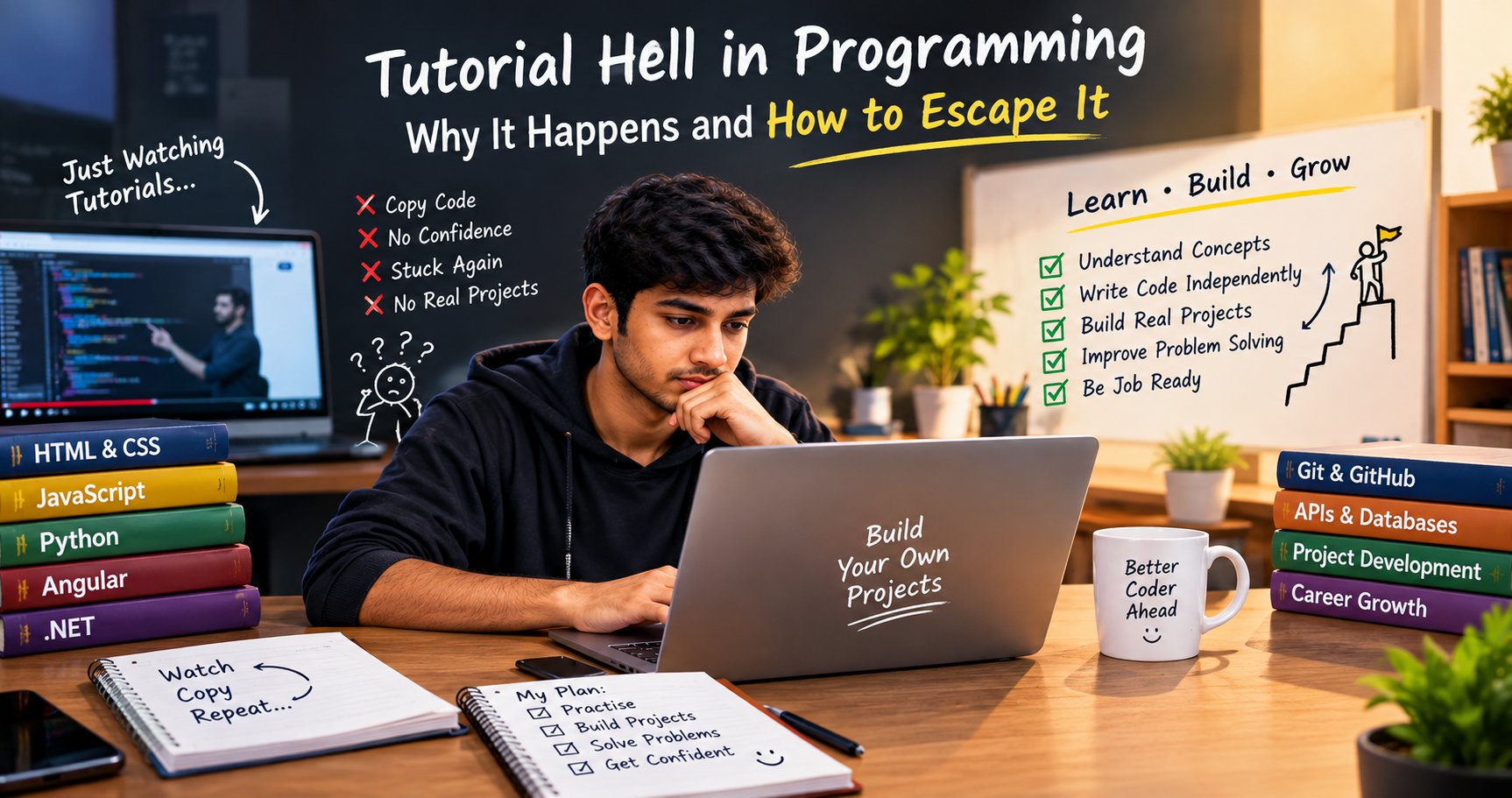
You finish one programming tutorial, understand the instructor’s code, and feel ready to build something. Then you open a blank editor and cannot decide what to write first. So you search for another video, follow it, and repeat the cycle. If this sounds familiar, you may be experiencing tutorial hell.
Tutorials are not the problem by themselves. They are useful for seeing a concept explained and demonstrated. The problem is relying on guided steps for so long that you rarely practise making decisions independently. You can break the cycle by changing how you use tutorials, building small features from memory, and learning to work through confusion instead of immediately looking for a complete solution.
Why does tutorial hell happen?
Programming tutorials reduce uncertainty: the teacher chooses the problem, the tools, the code structure, and the next step. That makes a first lesson easier to follow, but it also means the learner is not practising every decision involved in building software. Real development is less predictable. You have to translate a requirement into steps, choose an approach, test it, and revise it when it fails.
Another trap is mistaking familiarity for mastery. Code looks understandable while someone explains it, but recognition is different from recall. You need practice retrieving the idea and applying it in a slightly different situation. The solution is not to stop learning from others; it is to add deliberate independent work after each lesson.
1. Recognise the signs of tutorial hell
You may be stuck in tutorial hell if you regularly experience several of these patterns:
Starting new courses before finishing or extending a small project.
Pausing a video every few seconds because you cannot continue without copying the next line.
Being able to explain a demo but not recreate its basic features without the source code.
Searching for a complete project whenever a requirement differs from the tutorial.
Collecting certificates or playlists without having a working project you can explain.
One sign alone does not prove that you are stuck. Beginners need examples and guidance. Look for the repeated pattern: watching feels productive, but independent building rarely happens.
2. Use the watch, close, rebuild, change method
Step 1: Watch with a specific goal
Choose one short lesson, such as JavaScript array methods or an Angular form. Write down what the feature does and why it is used. Avoid binge-watching several hours before trying the code.
Step 2: Close the tutorial
Hide the video and notes. Recreate the core idea from memory. You do not need to remember every semicolon or API name. Use error messages and documentation to fill gaps after making an attempt.
Step 3: Rebuild the feature
Create a small working version. For example, after following a task-list tutorial, build a list that can add and remove tasks without copying the original files.
Step 4: Change one requirement
Make the task list mark completed tasks, filter by status, or save items in local storage. The change forces you to understand the code rather than merely reproduce it.
Step 5: Explain the result
Explain the data flow in your own words: what the user does, which function runs, what changes, and what the screen displays. If you cannot explain a part, revisit that specific concept.
3. Build projects that are small enough to finish
A common mistake is moving from tutorials straight to a large e-commerce app or social network. These projects contain too many new decisions at once. Choose a project with a clear outcome and only a few features.
| Level | Example project | What you practise |
| Beginner | Calculator or quiz | Conditions, functions, events, basic state |
| Early project | Task list or expense tracker | Forms, arrays, validation, filtering |
| API project | Student directory | HTTP requests, loading states, error handling |
| Full-stack project | Student management CRUD app | Frontend, backend API, database, testing |
Finish the basic version before adding advanced features. A completed project gives you a place to practise improvements and something concrete to explain in an interview.
4. Practise problem-solving before searching for answers
When you receive a task, resist the urge to search for the exact finished solution immediately. Spend a few minutes clarifying the requirement and writing a plan.
- Describe the expected input and output.
- Split the task into small steps.
- Write pseudocode or a short checklist.
- Try the simplest working approach.
- Test normal cases and at least one edge case.
Example: for a student search box, first display a list of students, then capture the search text, then filter the list by name. Do not add pagination, backend search, and advanced state management before the basic filter works.
5. Learn debugging instead of treating errors as a stop sign
Errors are part of programming. If you immediately replace your code with a tutorial solution, you lose the chance to learn how to diagnose problems. Read the error message, identify the relevant line, inspect the values, and change one thing at a time.
For an API project, check the request URL, HTTP status, response body, browser Network tab, backend logs, and database result. Keep a short debugging note: the symptom, the cause, the fix, and how you confirmed it. Over time, this builds a reusable troubleshooting habit.
6. Use documentation, search, and AI as support—not autopilot
It is sensible to look up syntax. Professional developers also use documentation and search. The difference is whether you understand and verify the answer. Search for the specific concept or error, and prefer official documentation when you need to confirm how a tool behaves.
AI tools can explain an error, suggest test cases, or compare two approaches. Ask for a hint before requesting a complete solution. Then review the code, test it, change a requirement, and make sure you can explain it. Do not paste API keys, passwords, private data, or confidential project code into tools that are not approved for that information.
7. Follow a realistic two-week escape plan
Use this short plan to turn passive learning into practical work. Adjust the pace to your schedule.
Days 1–2: Choose one language or framework and one small project. Write down three core features.
Days 3–4: Follow only the tutorial sections needed for the first feature, then rebuild that feature without the video.
Days 5–7: Add one change that the tutorial did not show. Write down the bugs you meet and how you fixed them.
Days 8–10: Build the next feature independently. Use documentation for specific gaps instead of searching for a complete clone.
Days 11–12: Test empty, invalid, and normal inputs. Refactor confusing code and add a README.
Days 13–14: Demonstrate the project to someone, explain the code, and list the next three improvements.
The goal is not to avoid all help for two weeks. It is to make independent attempts a normal part of learning.
8. Measure progress by what you can build, not how much you watch
Track outcomes instead of hours of video. Useful measures include whether you can start the project without instructions, add a feature, explain the data flow, debug a basic issue, and help another learner understand the approach.
Keep a simple learning log with four entries: what I tried, where I got stuck, what helped, and what I can now do without help. Review it weekly. If the same gap appears repeatedly, practise that concept in a smaller example before returning to the larger project.
Common mistakes to avoid
- Trying to quit tutorials completely instead of using them more deliberately.
- Choosing a project that is far beyond your current level.
- Copying every line before thinking about what it does.
- Switching languages and frameworks whenever learning gets uncomfortable.
- Using AI-generated code without testing or explaining it.
- Comparing your beginner progress with a developer’s finished portfolio.
- Calling a project complete when you have never tried to change or debug it.
How practical training can help
A structured course or mentor can help when you need feedback on your code, a sensible project sequence, or help understanding repeated mistakes. The key is to choose learning that requires you to implement features yourself, explain your choices, and fix errors not only watch demonstrations.
If you are comparing training options, ask how much independent coding you will do, whether you receive code reviews, and whether projects include APIs, databases, testing, and deployment where relevant. ExcelPTP’s [professional training programs]\(https\://www\.excelptp.com/professional-training-programs.html) are one place to review course options. Training can provide structure and feedback, but outcomes depend on your practice, skills, and circumstances; no course can guarantee a job.
Conclusion
You escape tutorial hell by changing the balance between watching and doing. Use tutorials to learn a concept, then close them, rebuild the feature, change a requirement, and explain what you made. Keep projects small enough to finish and treat debugging as part of the process. You do not need to know everything before starting; you need a repeatable way to make progress when you do not know the next step.