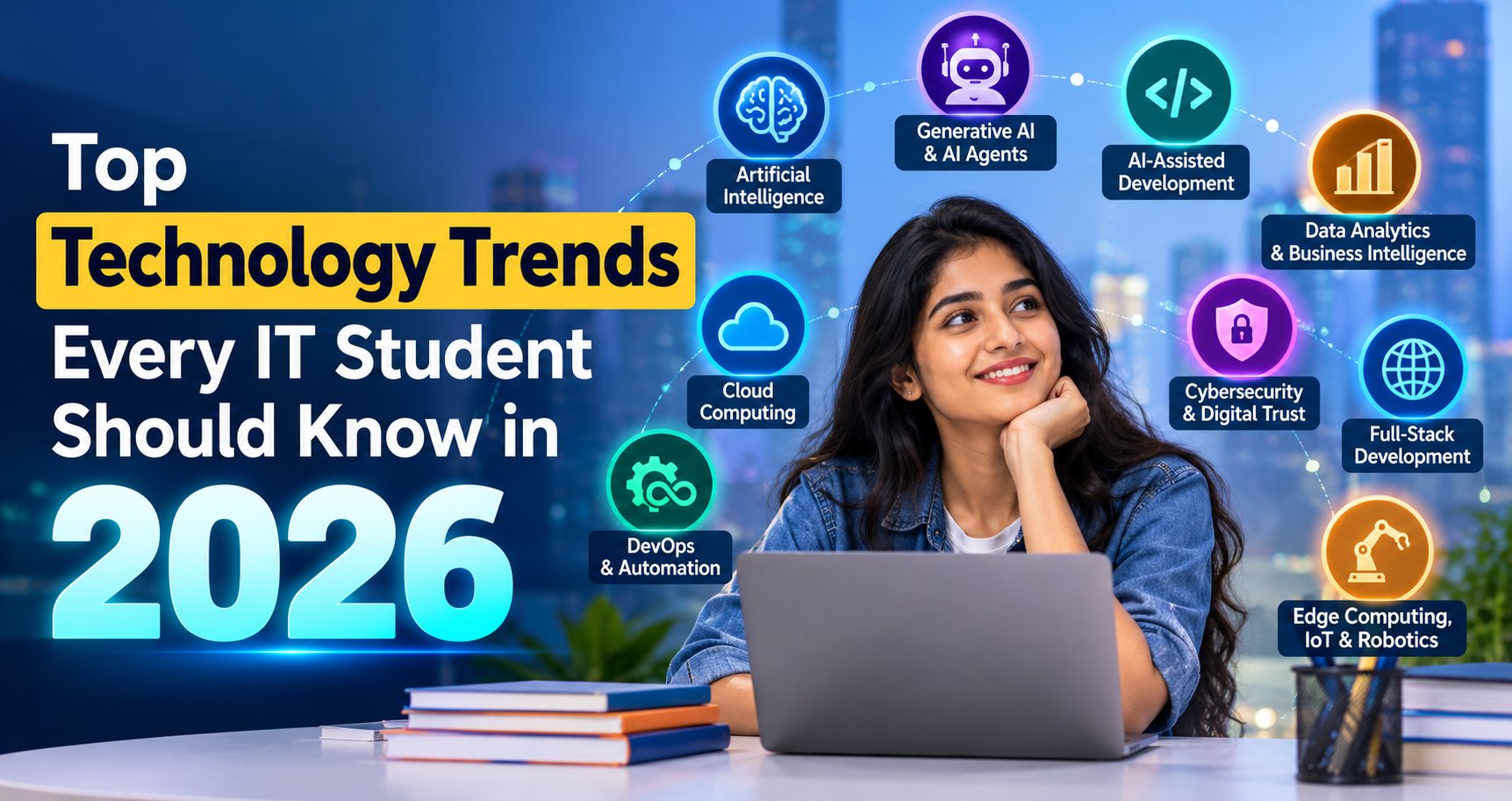
Top Technology Trends in 2026 for IT Students
Technology trends in 2026 are changing how companies develop software, analyse business data, protect information, and deliver digital services. For students pursuing BCA, MCA, B.Tech, or other IT-related courses, understanding the top technology trends in 2026 can help them make better career decisions and prepare for real-world opportunities.
But learning every new technology is neither practical nor necessary. The better approach is to understand what each technology does, identify the skills connected to your career goal, and build practical projects that demonstrate your knowledge.
In this guide, we explore the most relevant technology trends for IT students in 2026, the tools worth learning, beginner-friendly project ideas, and a practical career roadmap to prepare for internships and entry-level IT jobs in India.
Quick Answer: What Are the Top Technology Trends in 2026?
The major technology trends for IT students in 2026 include Artificial Intelligence (AI) and Machine Learning (ML), Generative AI and AI agents, AI-assisted software development, Data Analytics, Cloud Computing, DevOps, Cybersecurity, Automation Testing, and Full-Stack Development. Emerging areas such as Robotics and Edge Computing are also worth exploring. Students should choose one primary career path, learn its fundamentals, and build practical projects rather than trying to master every trend at once.
Why Should IT Students Follow Technology Trends in 2026?
Companies use technology to improve efficiency, understand customers, automate repetitive tasks, and build new products. As these needs evolve, the skills expected from IT professionals also change.
Industry outlooks for 2026 highlight the growing role of AI-enabled development, autonomous software workflows, data infrastructure, and stronger cybersecurity practices. However, these trends do not mean every company uses every technology or every fresher must specialise in AI.
For students, staying updated helps in three important ways:
- Better career planning: Understand which skills align with your preferred IT role.
- Stronger practical knowledge: Build projects using tools relevant to your chosen field.
- More effective interview preparation: Explain not just what a technology is, but how you have used it.
The goal is not to chase every new trend. It is to develop a strong foundation and then apply it to a specific IT career path.
1. Artificial Intelligence and Machine Learning
Artificial Intelligence (AI) is one of the most influential technology trends in 2026. AI systems can analyse information, recognise patterns, generate content, and assist with decisions. Machine Learning (ML) is a branch of AI in which systems learn patterns from data to make predictions or classifications.
AI applications appear in customer support, recommendation systems, fraud detection, document processing, and business forecasting.
Skills IT Students Should Learn
Start with Python programming, basic statistics, data handling, and problem-solving. Once these fundamentals are comfortable, explore libraries such as NumPy, Pandas, and scikit-learn.
Students interested in AI engineering can later study model evaluation, feature engineering, APIs, and model deployment.
Beginner Project Idea
Build a student performance prediction project using sample academic data. Clean the dataset, explore relationships between study hours and marks, train a basic Machine Learning model, and evaluate its performance.
This project helps you practise data preparation, model training, and explaining results.
Career Paths
- Junior Machine Learning Engineer
- AI Application Developer
- Junior Data Scientist
- Python Developer working on AI-enabled applications
These roles have different entry requirements. Research job descriptions before deciding how deeply to study mathematics, Machine Learning, or software engineering.
2. Generative AI and AI Agents
Generative AI creates new content, such as text, code, images, and summaries, in response to instructions or other inputs. AI agents go a step further by using models, tools, and workflows to carry out multiple steps toward a defined goal, sometimes with limited autonomy.
For example, a basic AI chatbot answers questions about a product. An AI-assisted workflow might retrieve product information, check a database, draft a response, and ask a human to approve it before sending.
In 2026, businesses are exploring these capabilities, but reliable implementation still requires testing, security, appropriate permissions, and human oversight. Gartner's 2026 technology outlook includes multiagent systems among the strategic trends shaping technology.
Skills IT Students Should Learn
- Prompt design and structured instructions
- Generative AI APIs
- Python or JavaScript
- JSON and API integration
- Basic Retrieval-Augmented Generation (RAG)
- Output validation, privacy, and responsible AI
Prompt engineering is useful, but it is more valuable when combined with programming, domain knowledge, and the ability to evaluate AI outputs.
Beginner Project Idea
Develop an AI-powered FAQ assistant for a college or training institute. It should answer questions using approved information, identify when it cannot find an answer, and avoid inventing fees, dates, or policies.
Start with a simple API-based application. Explore RAG only after understanding how the basic workflow operates.
Career Paths
AI Application Developer, Python Developer working with LLMs, and junior AI integration roles are possible directions. Specialised AI research and advanced ML engineering generally require deeper preparation.
3. AI-Assisted Software Development
AI coding assistants can help developers understand unfamiliar code, generate initial drafts, suggest tests, explain errors, and document functions. More advanced development workflows use AI systems to assist with planning, coding, debugging, and testing.
However, AI-generated code can contain security problems, logical errors, outdated approaches, or incorrect assumptions. Developers must still understand the code they accept.
Skills IT Students Should Learn
Focus on one programming language, data structures and algorithms, Git, debugging, software testing, databases, and software design fundamentals. Learn to use AI coding tools as assistants rather than replacements for understanding.
Beginner Project Idea
Build a Django-based student management system with authentication, CRUD operations, form validation, and database integration. Use an AI assistant to explain an error or suggest test cases, then verify each change yourself.
Document which problems you solved and why you chose a particular implementation.
Career Paths
- Python Developer
- Java Developer
- Full-Stack Developer
- Software Development Intern
For freshers, strong fundamentals and a working project remain important even when AI tools are available.
4. Data Analytics and Business Intelligence
Businesses collect information from sales, websites, customer interactions, finance, and operations. Data Analytics turns this information into insights that help people make decisions.
Business Intelligence (BI) tools present those insights through dashboards, reports, and Key Performance Indicators (KPIs).
This is a practical option for students who enjoy working with numbers, identifying patterns, and explaining what data means.
Skills IT Students Should Learn
- Microsoft Excel for formulas, data cleaning, and pivot tables
- SQL for retrieving and aggregating data
- Python with Pandas for data manipulation
- Matplotlib or Seaborn for exploratory data visualisation
- Power BI for dashboards and DAX measures
- Basic statistics and business communication
Beginner Project Idea
Create a retail sales analysis project using a sample dataset. Clean missing values and duplicates, calculate total revenue and profit, identify top-selling products, compare monthly sales, and build a Power BI dashboard.
Your final report should explain what happened, why it might have happened, and what the business could investigate next.
Career Paths
- Junior Data Analyst
- Reporting Analyst
- MIS Executive
- Entry-Level Business Intelligence Analyst
For a detailed course overview, explore ExcelPTP's professional training programs.
5. Cloud Computing
Cloud Computing allows organisations to access computing resources such as servers, storage, databases, and networking through cloud platforms rather than managing every resource on their own premises.
Cloud services support web applications, business systems, analytics platforms, and AI workloads.
Skills IT Students Should Learn
Begin with operating system fundamentals, networking basics, Linux commands, HTTP, and databases. Then explore one cloud platform, such as Amazon Web Services (AWS), Microsoft Azure, or Google Cloud.
Learn how to deploy a basic application, configure access permissions, monitor usage, and understand service costs.
Beginner Project Idea
Deploy a simple portfolio website or a small Python web application to a cloud environment. Document the deployment steps, configuration, security considerations, and estimated costs.
Use free-tier services only after checking current eligibility and usage limits. Cloud resources can incur charges if configured incorrectly.
Career Paths
- Cloud Support Associate
- Junior Cloud Engineer
- Cloud-Focused Software Developer
- Infrastructure Support Professional
6. DevOps and Automation
DevOps combines development and IT operations practices to improve how software is built, tested, released, and maintained. Automation helps teams repeat these processes consistently.
Instead of manually running every test and deployment step, a team can use a CI/CD pipeline to build an application, execute tests, and prepare a release.
Skills IT Students Should Learn
- Git and GitHub
- Linux fundamentals
- Basic shell scripting
- Docker and container concepts
- Continuous Integration and Continuous Delivery (CI/CD)
- Monitoring and deployment basics
Kubernetes and Infrastructure as Code tools can come later; beginners do not need to learn everything simultaneously.
Beginner Project Idea
Create a small Python application, write automated tests, store the code in GitHub, package it with Docker, and configure a basic CI pipeline to run tests when code changes.
Career Paths
- DevOps Intern
- Junior Build and Release Engineer
- Cloud Support Associate
- Junior Infrastructure Engineer
A strong foundation in operating systems, networking, and scripting makes this path easier to understand.
7. Cybersecurity and Digital Trust
Cybersecurity protects applications, networks, devices, and data from unauthorised access and other threats. As businesses use more cloud services and AI applications, security must be considered throughout the software lifecycle.
Modern security practices include identity management, access controls, secure software development, threat monitoring, and protecting sensitive information.
Skills IT Students Should Learn
Start with networking, Linux, HTTP, authentication, encryption concepts, and common web vulnerabilities. Learn how to protect passwords, validate inputs, manage permissions, and handle secrets securely.
Use legal practice labs and intentionally vulnerable applications designed for learning. Never test systems without permission.
Beginner Project Idea
Build a secure login application with password hashing, input validation, role-based access control, and appropriate error handling. Write a short report describing the threats you considered and how your application addresses them.
Career Paths
- SOC Analyst Trainee
- Junior Security Analyst
- Security Testing Intern
- Application Security Trainee
Certifications can support learning, but hands-on practice and a clear understanding of security fundamentals are equally important.
8. Full-Stack Web Development and Modern APIs
Web Development remains a useful foundation because organisations continue to build customer portals, internal dashboards, e-commerce applications, and software products.
Modern development increasingly combines user interfaces, backend APIs, databases, cloud deployment, and AI-enabled features.
Skills IT Students Should Learn
For frontend development, learn HTML, CSS, JavaScript, responsive design, and a framework such as React. For backend development, choose a path such as Python with Django or FastAPI, or JavaScript with Node.js.
Also learn SQL, REST APIs, Git, authentication, software testing, and deployment.
Beginner Project Idea
Create a placement portal with student registration, job listings, application tracking, and an administrator dashboard. Use a database, implement authentication, and validate inputs on the backend.
Once the core application works, add an optional AI feature, such as job-description summarisation.
Career Paths
- Web Developer
- Python-Django Developer
- Frontend Developer
- Backend Developer
- Full-Stack Developer
Students who prefer building visible applications can use this path to develop a project portfolio while gradually learning cloud and AI integration.
9. Automation Testing and Quality Engineering
Software teams need to verify that applications behave correctly after changes. Automation Testing uses scripts and tools to run repeatable tests, check expected results, and identify regressions.
It is especially useful for workflows that need frequent, consistent verification, such as login, registration, payments, and form submissions.
Skills IT Students Should Learn
Begin with software testing fundamentals, test cases, bug reporting, and basic SQL. Then learn JavaScript or Python, browser automation, assertions, test organisation, and reporting.
Tools such as Playwright and Selenium can help automate web application testing.
Beginner Project Idea
Automate tests for a demo login page. Cover successful login, incorrect passwords, empty fields, and relevant validation messages. Store the tests in GitHub and document how to run them.
Career Paths
- QA Intern
- Manual Tester
- Junior Automation Tester
- Software Test Engineer Trainee
Students who enjoy logical thinking, investigating failures, and checking application behaviour may find this path a good fit.
10. Edge Computing, IoT, and Robotics
Edge Computing processes data near the device or location where it is generated, rather than sending every operation to a distant cloud service. The Internet of Things (IoT) connects physical devices that collect or exchange data. Robotics combines hardware, sensing, control systems, and software to perform physical tasks.
These areas are relevant to smart manufacturing, logistics, monitoring systems, and connected devices. Robotics and advanced hardware work may require additional electronics and engineering knowledge.
Skills IT Students Should Learn
Explore Python, networking, sensors, device communication, APIs, and basic embedded-system concepts. Students interested in Edge AI can later study how models run on devices with limited computing resources.
Beginner Project Idea
Create a simulated smart-room monitoring dashboard that displays temperature and humidity readings from sample or sensor-generated data. Add alerts when values cross a chosen threshold.
Career Paths
- IoT Developer Intern
- Embedded Software Trainee
- IoT Support Engineer
- Automation-Related Entry-Level Roles
11. Database Engineering and Data Infrastructure
Applications and analytics systems depend on reliable data. Databases store information, while data infrastructure helps organisations move, transform, organise, and prepare it for applications and analysis.
AI systems also depend on useful, well-managed data. Poor data quality can produce unreliable reports and incorrect model outputs.
Skills IT Students Should Learn
Start with SQL, relational database design, joins, constraints, indexes, and transactions. Then explore database administration, ETL processes, data pipelines, and one NoSQL database where relevant.
Learn how to validate records and protect sensitive information.
Beginner Project Idea
Create a sales database with customer, product, order, and order-detail tables. Write SQL queries to calculate revenue, identify repeat customers, and find the best-selling products.
Students interested in analytics can connect the database to Power BI. Students interested in backend development can connect it to a web application.
Career Paths
- SQL Developer Trainee
- Junior Database Support Professional
- Data Analyst
- Entry-Level Data Engineer
Which Technology Should You Learn First?
You do not need to study all these technologies together. Select a path based on the kind of work you enjoy and the fundamentals required by the roles you want.
| Career Goal | Recommended Starting Skills | First Practical Project |
|---|---|---|
| Data Analyst | Excel, SQL, Python, Power BI | Sales dashboard |
| Python Developer | Python, SQL, Django or FastAPI, Git | CRUD web application |
| AI/ML Learner | Python, statistics, Pandas, ML basics | Prediction model |
| Cloud/DevOps Beginner | Linux, networking, Git, Docker | Deployed application |
| Cybersecurity Beginner | Networking, Linux, security fundamentals | Secure login lab |
| Automation Tester | Testing fundamentals, JavaScript or Python, Playwright | Automated login tests |
| Full-Stack Developer | HTML, CSS, JavaScript, backend, database | Placement portal |
These are suggested starting points, not guaranteed job requirements. Check recent IT job vacancies for your target role and location before finalising your learning plan.
A Practical 90-Day Roadmap for IT Students
A structured 90-day learning roadmap can help you move from reading about technology to demonstrating useful skills. Adjust the schedule based on your current knowledge and available study time.
Days 1–30: Build the Foundation
Choose one primary career path. Study the core programming language or tools, revise relevant fundamentals, and practise small exercises regularly.
For example, a Data Analyst learner could focus on Excel, SQL, and Pandas. A Python Developer could revise Python, database queries, and HTTP concepts.
Target: Complete small exercises and explain the fundamentals without relying entirely on tutorials.
Days 31–60: Build a Practical Project
Choose a project that solves a clear problem. Work with a dataset, build an application, automate a test workflow, or deploy a small service.
Use Git to track changes. Write a README file explaining the objective, tools, setup instructions, features, and limitations.
Target: Finish a working portfolio project that you can demonstrate and discuss during an interview.
Days 61–90: Prepare for Internships and Jobs
Improve your project based on feedback. Practise role-specific interview questions, revise basic programming or SQL problems, and prepare to explain your decisions.
Create a focused resume and portfolio. Apply to suitable internships, trainee positions, and fresher job openings. Track applications and use interview feedback to identify knowledge gaps.
Target: Have a demonstrable project, a role-focused resume, and a consistent application and practice routine.
A 90-day plan can build a foundation, but job readiness depends on your starting level, practice quality, target role, and interview performance.
Common Mistakes IT Students Should Avoid
1. Learning Every Trending Technology
Switching between AI, Cloud Computing, Cybersecurity, and Web Development every week can leave you with limited practical knowledge. Choose one primary path and add related skills gradually.
2. Collecting Certificates Without Building Projects
A certificate may demonstrate course completion, but it does not automatically prove that you can solve a real problem. Build something that works and be ready to explain it.
3. Depending Completely on AI-Generated Code
AI tools can accelerate learning, but copying code without understanding it makes debugging and interviews more difficult. Test the output and learn why it works.
4. Ignoring Communication Skills
IT professionals often need to explain bugs, present findings, document changes, and work with colleagues. Practise explaining your project in simple, clear English.
5. Applying Without Matching the Role
A Data Analyst resume should highlight SQL, Excel, data analysis, and dashboards. A developer resume should emphasise programming, APIs, databases, and software projects. Tailor your resume to the position rather than using the same version everywhere.
How Can IT Students Prepare for Industry Opportunities?
Start by comparing your current skills with the requirements of five to ten entry-level IT job vacancies for your chosen role. Identify repeated skills, practise those skills, and build a project that demonstrates them.
You can also seek structured practical training, internship experience, project reviews, and mock interviews. Students in Ahmedabad looking for guided learning can explore ExcelPTP's professional training programs, review student testimonials, or use the ExcelPTP contact page to enquire about suitable training options.