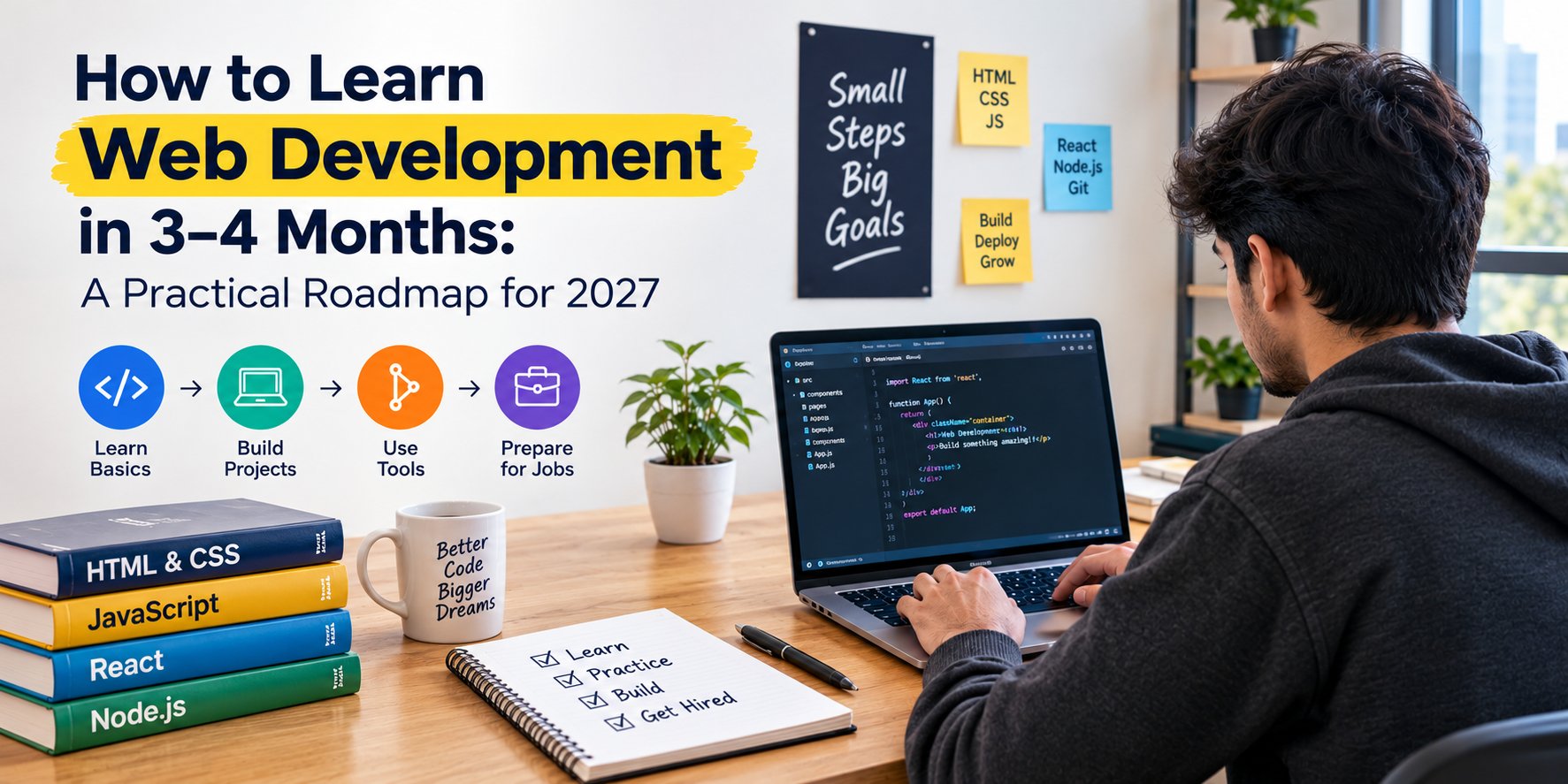
Learning web development can feel confusing when you are just starting out. You search for tutorials, find dozens of programming languages, hear about new frameworks, and eventually wonder where to begin.
The good news is that you do not need to learn every technology to start building websites. With a clear learning plan, regular practice and the right projects, you can develop a solid foundation in web development within 3–4 months.
Whether you are a college student, a fresher looking for your first IT job, or someone planning to switch careers, the key is to learn skills in the right order. Instead of spending months watching tutorials, focus on understanding the basics and using them to build something of your own.
In this guide, we will explain how to learn web development in 3–4 months, which technologies to learn first, what projects to build and how to prepare for entry-level opportunities.
Can You Learn Web Development in 3–4 Months?
Yes, you can learn the fundamentals of web development and build functional websites within three to four months. However, the progress you make depends on your starting point, study time, learning method and consistency.
For example, someone who spends two to three focused hours practising every day may progress faster than someone who studies only occasionally.
It is also important to understand the difference between learning web development and becoming fully job-ready. Building your first website is an achievable short-term goal. Becoming confident with real-world projects, debugging, interviews and team workflows takes additional practice.
Your goal for the first four months should be to:
- Understand HTML, CSS and JavaScript.
- Create responsive websites that work on mobile and desktop.
- Learn Git and GitHub to manage your code.
- Explore a frontend framework such as React.
- Build projects that demonstrate your skills.
- Prepare a portfolio and start exploring internships or junior developer opportunities.
A structured roadmap makes this process easier because you know what to learn, what to practise and what to build at each stage.
What Is Web Development?
Web development is the process of creating and maintaining websites and web applications. It includes everything from the layout users see on a screen to the server-side functionality that processes information.
Web development is generally divided into three areas.
1. Frontend Development
Frontend development focuses on the parts of a website that users interact with directly. This includes navigation menus, forms, buttons, page layouts, animations and responsive designs.
The main technologies to learn are:
- HTML: Defines the structure and content of a webpage.
- CSS: Controls colours, layouts, spacing, typography and responsive behaviour.
- JavaScript: Adds interactivity and dynamic functionality.
- React: Helps developers build user interfaces using reusable components.
2. Backend Development
Backend development handles the logic that runs behind the scenes. It can include user authentication, database operations, payment workflows, APIs and server-side processing.
Popular technologies include Node.js, PHP, Python, Express.js and databases such as MySQL, PostgreSQL and MongoDB.
3. Full-Stack Development
Full-stack development combines frontend and backend skills. A full-stack developer can work on the user interface as well as the server, application logic and database.
If you are a complete beginner, start with frontend fundamentals. Once you are comfortable building interactive websites, you can gradually move towards backend development.
A Month-by-Month Web Development Roadmap for Beginners
The following roadmap provides a practical way to organise your first four months. You can adjust the pace depending on your daily schedule and previous experience.
Month 1: Learn HTML and CSS
Your first month should focus on understanding how websites are structured and styled. Do not rush into frameworks before you understand the basics.
Week 1: Understand HTML
Start with HTML, or HyperText Markup Language. It provides the structure of a webpage.
Learn these concepts:
- Headings, paragraphs and links
- Images, lists and tables
- Forms and input fields
- Semantic HTML elements
- Page structure and basic accessibility
Practise by creating a personal introduction page with your name, education, skills and contact information.
Week 2: Learn CSS Fundamentals
CSS, or Cascading Style Sheets, makes your website visually appealing.
Focus on selectors, colours, fonts, margins, padding, borders, backgrounds and the CSS box model.
Create a simple webpage and experiment with different layouts instead of copying a finished design without understanding how it works.
Week 3: Practise Layouts and Responsive Design
Learn Flexbox, CSS Grid and media queries. These techniques help you arrange content and make websites work on different screen sizes.
Try recreating the layout of a college website, a small business homepage or a product landing page.
Week 4: Build Your First Website
Combine HTML and CSS to create a complete, responsive website with multiple sections.
By the end of the first month, you should be able to build a basic website from scratch, organise your files and make common design adjustments independently.
Month 1 target: Complete two small websites and understand the fundamentals of HTML and CSS.
Month 2: Learn JavaScript and Make Websites Interactive
A website may look good, but users also expect it to respond to their actions. JavaScript helps you add that functionality.
Spend the second month learning programming fundamentals and applying them directly to your webpages.
Week 5: Understand JavaScript Basics
Start with variables, data types, operators, functions, conditional statements, loops, arrays and objects.
Do not worry if these concepts seem unfamiliar at first. Write small programs and test different inputs until you understand what your code is doing.
Week 6: Learn DOM Manipulation and Events
The Document Object Model (DOM) allows JavaScript to interact with webpage elements.
Practise changing text, showing and hiding elements, validating forms and responding to button clicks.
For example, build a registration form that checks whether the required fields have been completed before displaying a success message.
Week 7: Work with Arrays, Objects and Modern JavaScript
Learn commonly used array methods such as map(), filter() and find(). Understand arrow functions, template literals, modules and basic error handling.
These concepts will help you write cleaner code and prepare for working with modern frontend frameworks.
Week 8: Learn APIs and Asynchronous JavaScript
Explore promises, async/await and the Fetch API. Learn how a website can request data from an external service and display the response.
Build a small application that fetches public data, handles loading states and displays a useful error message when a request fails.
Month 2 target: Build two interactive applications, such as a to-do list and a quiz app, without relying entirely on copied code.
Month 3: Learn React and Build a Real Project
After learning JavaScript fundamentals, you can start exploring React. React is a JavaScript library used to build interactive user interfaces from reusable components.
You do not need to master every React feature immediately. Focus on the concepts you will use to build practical applications.
Week 9: Understand React Fundamentals
Learn how to:
- Create and reuse components
- Pass information through props
- Manage component state
- Handle user interactions
- Render lists and display content conditionally
Start by converting a simple webpage into reusable React components.
Week 10: Learn Hooks and Forms
Understand useState and useEffect, and practise handling forms and user input.
Build a small application that lets users add, update and remove information. This will help you understand how React manages changing data.
Week 11: Learn Routing and API Integration
Explore React Router or another suitable routing solution. Practise moving between pages without rebuilding the entire interface.
Connect your application to an API and learn how to handle loading, successful responses and errors.
Week 12: Build and Deploy a React Project
Choose one project and complete it properly. Good options include:
- A job listing dashboard
- A product catalogue with search and filters
- A student task management application
- A weather dashboard using a suitable API
Pay attention to mobile responsiveness, reusable components, readable code and a smooth user experience.
Month 3 target: Complete a working React project and publish it online so other people can test it.
Month 4: Build Your Portfolio and Prepare for Opportunities
The fourth month is your chance to turn individual coding exercises into a portfolio that demonstrates what you can do.
If your main goal is frontend development, continue strengthening React and JavaScript. If you want to move towards full-stack development, start exploring backend fundamentals.
Week 13: Learn Git and GitHub
Git helps you track changes in your code, while GitHub lets you host repositories and share your work.
Learn how to create repositories, commit changes, write useful commit messages and update your projects. Add a clear README file to explain what each project does and how to run it.
Week 14: Improve Your Projects
Review your existing projects as if you were a user visiting them for the first time.
Check whether the navigation works, forms validate correctly, pages load properly and layouts adapt to smaller screens.
Fix bugs, remove unnecessary code and improve the overall experience.
Week 15: Create a Developer Portfolio
Build a simple portfolio website that includes:
- A short introduction
- Your technical skills
- Project descriptions and live links
- GitHub repository links
- Your education and relevant experience
- Contact information
Describe the problem each project solves, the technologies you used and the challenges you faced.
Week 16: Prepare for Interviews and Applications
Start revising JavaScript fundamentals, HTML semantics, CSS layouts, React concepts and basic debugging.
Practise explaining your projects in your own words. Review common coding questions and learn to discuss why you chose a particular approach.
You can also begin applying for internships, trainee positions and junior frontend roles when your skills match the requirements.
Month 4 target: Have a portfolio with two or three well-presented projects, a GitHub profile and a clear plan for applying to suitable opportunities.
Which Web Development Projects Should Beginners Build?
Projects are where your learning starts to come together. They give you a chance to apply concepts, make mistakes and solve problems without following every instruction from a tutorial.
Here are five useful project ideas.
1. Personal Portfolio Website
Use HTML and CSS to introduce yourself, display your skills and showcase your work. Add responsive layouts and clear navigation.
2. To-Do List Application
Use JavaScript to add, edit, complete and delete tasks. You can also add local storage so tasks remain available after the page is refreshed.
3. Quiz Application
Create multiple-choice questions, track the score and display the final result. This is a good way to practise conditions, arrays, event handling and application logic.
4. Product Catalogue
Build a product listing page with search, category filters and sorting. React is a good choice once you are comfortable with components and state.
5. Job Search Dashboard
Create a dashboard that displays job listings, supports filtering and allows users to save selected opportunities. Use sample data or a suitable API, and clearly explain any limitations.
Start with smaller projects before attempting a large application. A finished project that you understand is more valuable than a complicated project you cannot explain.
Best Free Resources to Learn Web Development
You do not need to purchase several courses before you begin. A few reliable resources can help you learn the fundamentals and practise at your own pace.
- MDN Web Docs: https://developer.mozilla.org/ — A useful reference for HTML, CSS, JavaScript and browser technologies.
- freeCodeCamp: https://www.freecodecamp.org/ — Offers free learning material and coding exercises.
- The Odin Project: https://www.theodinproject.com/ — Provides a structured, project-oriented path for aspiring web developers.
- GitHub: https://github.com/ — Helps you manage code, explore projects and share your work.
Choose one main learning path rather than switching between multiple courses every few days. Use documentation when you need clarification, and spend a significant part of your study time writing code.
How Many Hours Should You Study Every Day?
Your daily schedule should match your current responsibilities. Consistent practice is more useful than trying to finish an unrealistic number of lessons.
Here is a sample daily plan for someone who can study for three hours.
- 45 minutes: Learn a new concept.
- 75 minutes: Practise coding exercises.
- 45 minutes: Work on a personal project.
- 15 minutes: Review mistakes and note what to practise next.
If you have less time, reduce the session length while keeping the same learning pattern.
With around three hours of daily practice, you could accumulate approximately 270–360 hours over 90–120 days, depending on how regularly you study. Use those hours to build and understand projects rather than simply watching videos.
Common Mistakes to Avoid When Learning Web Development
Many beginners spend months learning without feeling confident enough to build anything independently. These mistakes are worth avoiding from the beginning.
Watching Tutorials Without Practising
Watching someone else write code can make a concept appear easy. The real test comes when you have to solve the problem yourself.
After every lesson, close the tutorial and try to recreate the result independently.
Learning Too Many Technologies at Once
Switching between React, Angular, Vue, Python, PHP and multiple other tools can slow your progress.
Start with HTML, CSS and JavaScript. Add a framework only when you understand the fundamentals.
Ignoring Responsive Design
A website that looks good only on a laptop is incomplete for many modern use cases. Test your work on mobile and desktop screen sizes from the beginning.
Copying Projects Without Understanding Them
It is fine to use examples while learning, but you should understand the code you submit to your portfolio.
Change the requirements, add a feature and explain how your implementation works. This is also useful interview preparation.
Depending Entirely on AI Coding Tools
AI tools can help explain concepts, suggest solutions and identify bugs. However, accepting generated code without understanding it can leave gaps in your knowledge.
Try solving a problem yourself first. Then use AI to compare approaches, investigate errors and understand unfamiliar code. Always test the result.
Waiting Until You Feel Completely Ready
You do not need to know every feature of a programming language before building something useful.
Start with small projects, improve them gradually and use each challenge to identify what you need to learn next.
What Career Opportunities Can You Explore After Learning Web Development?
Once you have built a strong foundation and can demonstrate your skills, you can start exploring entry-level opportunities such as:
- Frontend developer trainee
- Junior web developer
- Web development intern
- Junior React developer, if your skills match the role
- Website developer for small businesses
- Freelance website development projects
Your opportunities will depend on your practical ability, communication skills, portfolio, interview performance and the requirements of individual employers.
Learning web development in three to four months does not guarantee a job. However, a structured learning plan and completed projects can give you a stronger starting point for internships and entry-level applications.
If you are a fresher, focus on demonstrating what you can build instead of listing technologies you have only studied briefly.
Should You Learn Web Development Through Self-Study or Professional Training?
Self-study works well for learners who can organise their schedule, find reliable resources and solve problems independently. It also gives you flexibility to learn at your own pace.
Professional training can provide a more structured curriculum, guided practice, feedback on assignments and support when you get stuck. The value depends on the quality of the programme, the instructor and the practical work included.
When comparing training options, look for live projects, individual feedback, updated course content, code reviews and opportunities to practise explaining your work. If career support matters to you, ask exactly what placement assistance includes rather than assuming a job is guaranteed.
At ExcelPTP, learners can explore practical IT training options designed to develop technical skills and prepare for career opportunities. Visit ExcelPTP to learn more about available courses and training options.
Final Thoughts
Learning web development in three to four months is a realistic starting goal when you follow a clear roadmap and make time for practical work. Begin with HTML and CSS, develop your JavaScript skills, explore React and gradually build projects that demonstrate your abilities.
Remember that progress does not come from collecting certificates or completing the largest number of tutorials. It comes from understanding what you are building, solving problems independently and improving your work with each new project.
Start with one simple webpage today. Turn it into a complete project, publish it online and move on to the next challenge.
If you are ready to develop practical IT skills, explore the learning options available at ExcelPTP and choose a path that matches your goals.